Screen Capture Program - Image Editing Tool
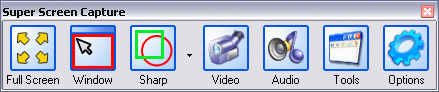
1. Click the Image Editing Tools Button in tools bar.
Super Screen Capture Tools Bar
2. When the Capture button is clicked, move the finger cursor over elements of the window you are capturing and each becomes red outlined.
Image Editing Tools Button

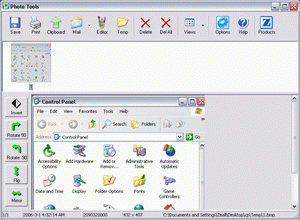
3. You can save image to clipboard, printer, email, temp folder, and all popular formats (BMP, JPG, GIF, PNG).
You can ratate, invert, filp, mirror the screen capture images.
Image Editing Tools Window
|


